
Two ways to use Drone-Check on mobile
You can access Drone-Check via any desktop or mobile device. The website is fully responsive.
You can also use Drone-Check as an installable web app (recommended)
- Installable Web App: install from the browser, fullscreen, no app store, always the latest features.
This installable web app is the most reliable and future-proof option, ensuring you always have access to the most recent functionality.
This makes Announce a Flight the most efficient and dependable entry point for managing your drone operations.
Installable Web App
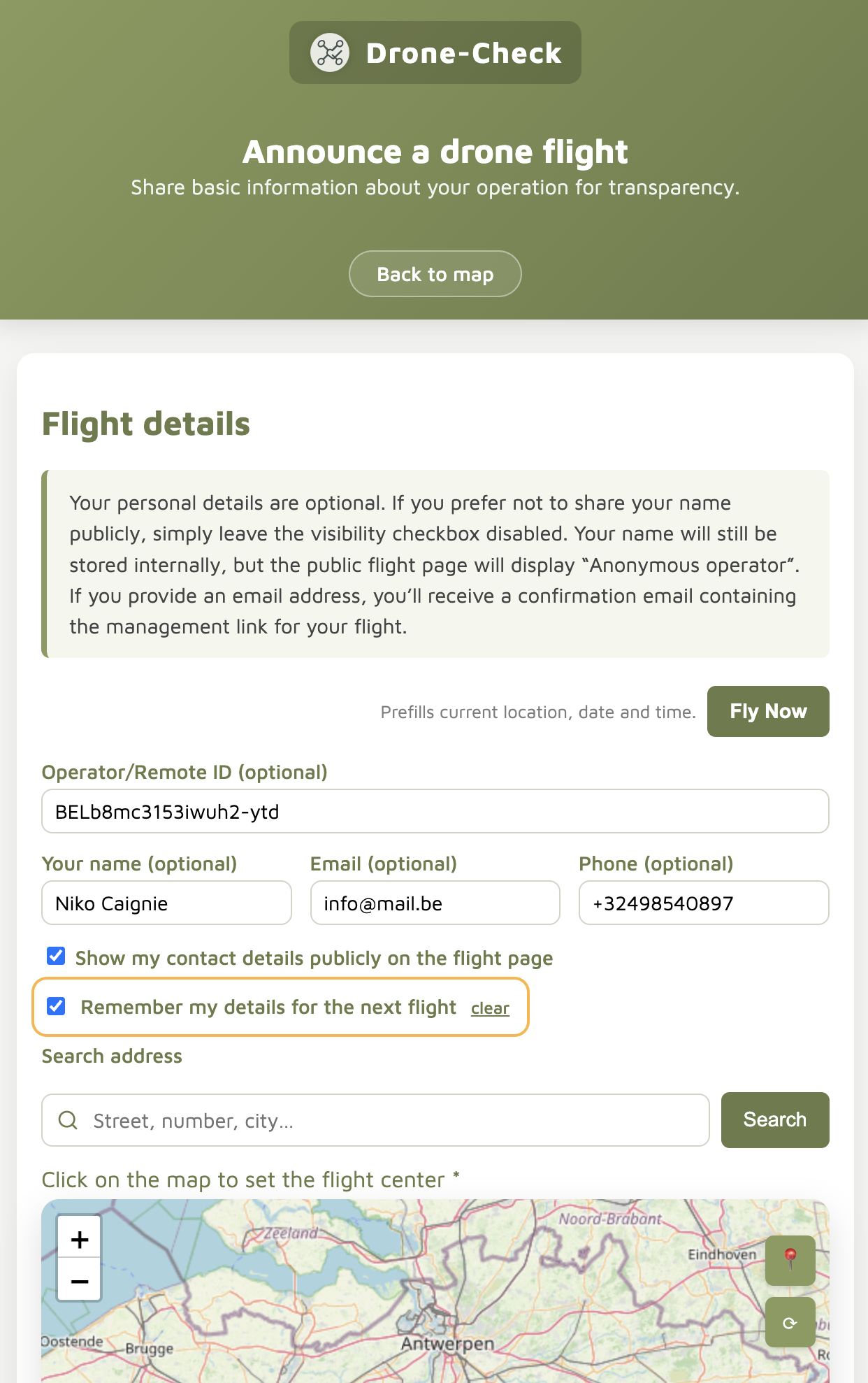
The Announce a Flight webpage is fully mobile responsive and is the primary starting point for planning and announcing all your drone flights.
It works seamlessly on smartphone, tablet, and desktop, making it ideal for quick setup on location as well as careful preparation in advance.
- Optimized for mobile and touch input
- Fast flight creation on site or beforehand
- Clean and distraction-free layout
- Email confirmation with view and edit links when an email address is provided
The page can remember recurring information such as pilot and operator details, allowing you to create new flights with minimal input every time.
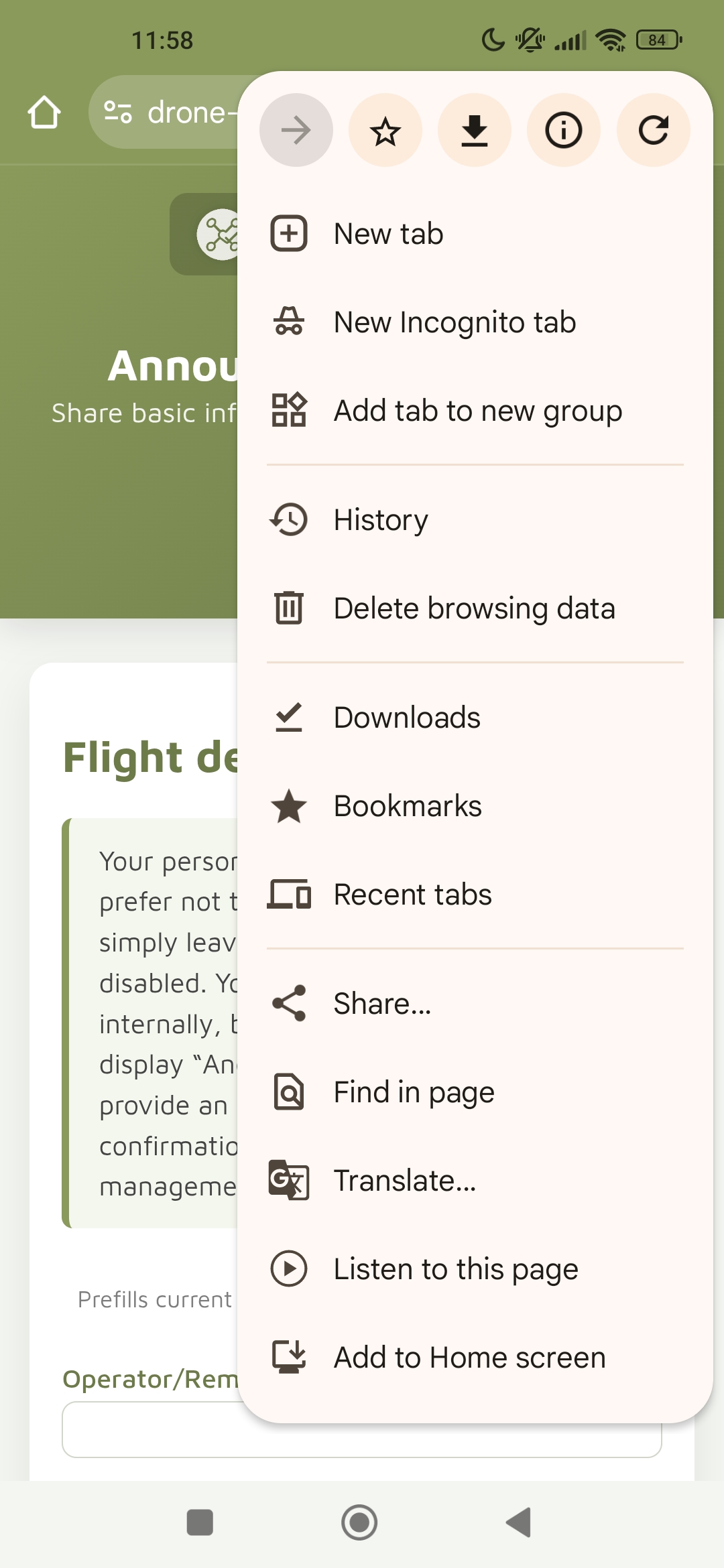
In addition to being accessible through the browser, the Announce a Flight page can also be installed as an app on your smartphone. This gives you a fullscreen app-like experience while always using the latest version of all features — no app store, no manual updates.
How to install:
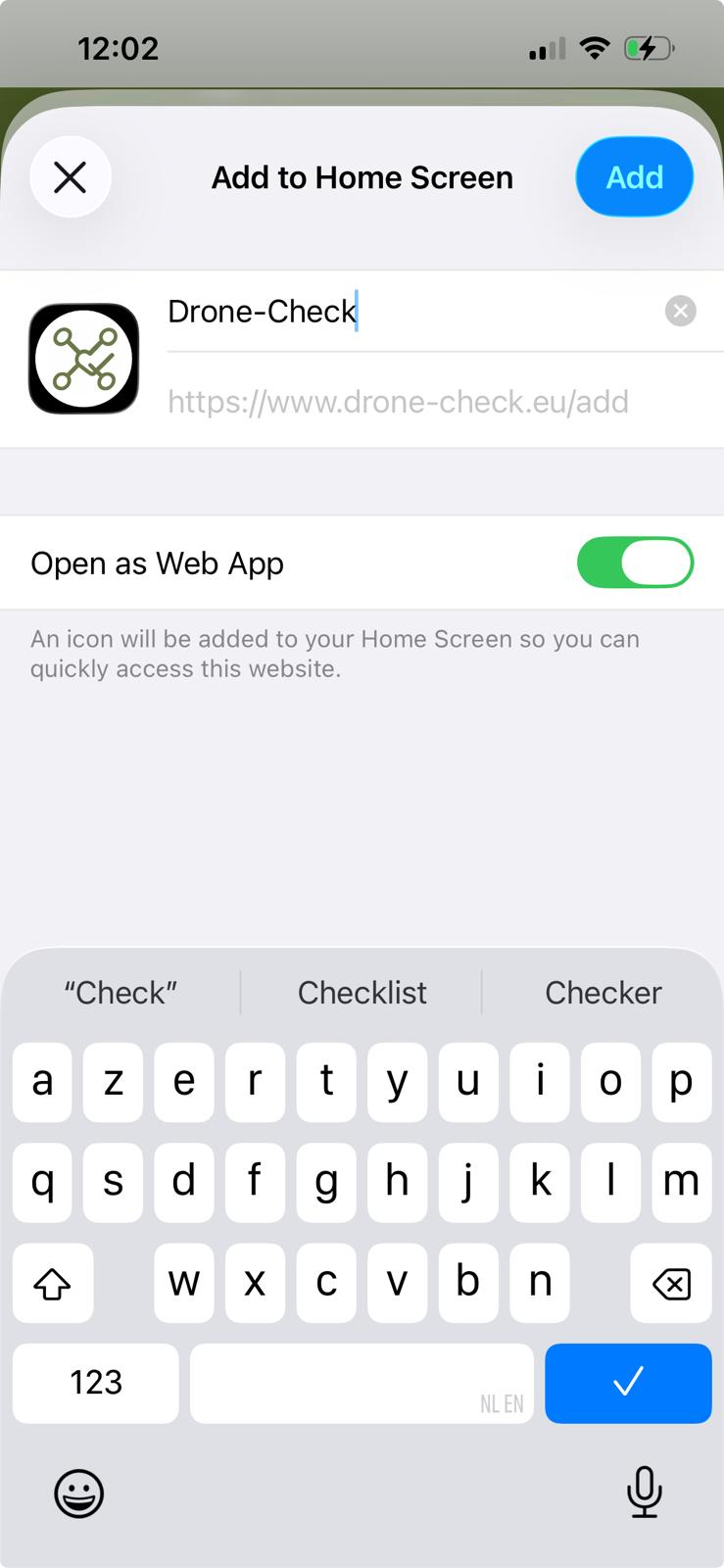
iOS: Open the page in Safari → Share → “Add to Home Screen”.
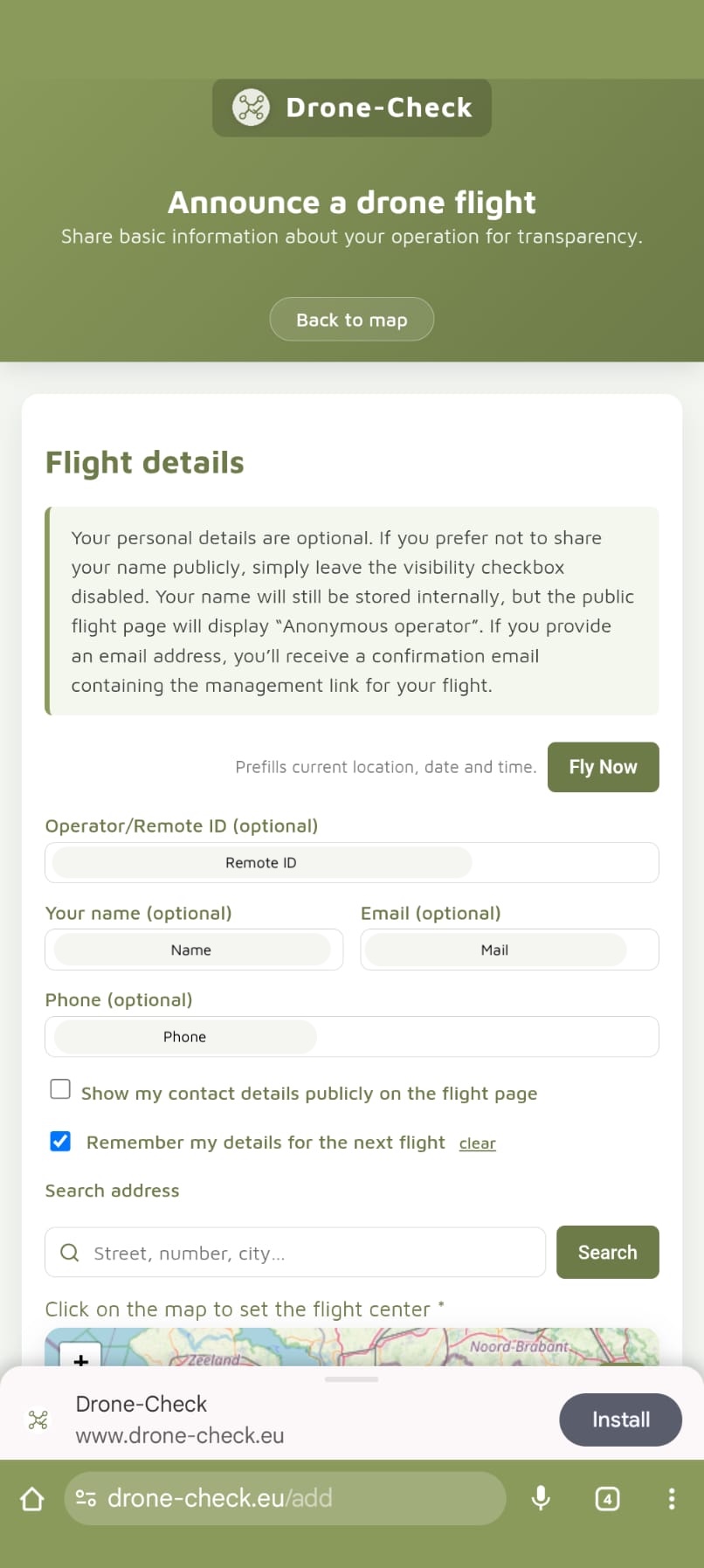
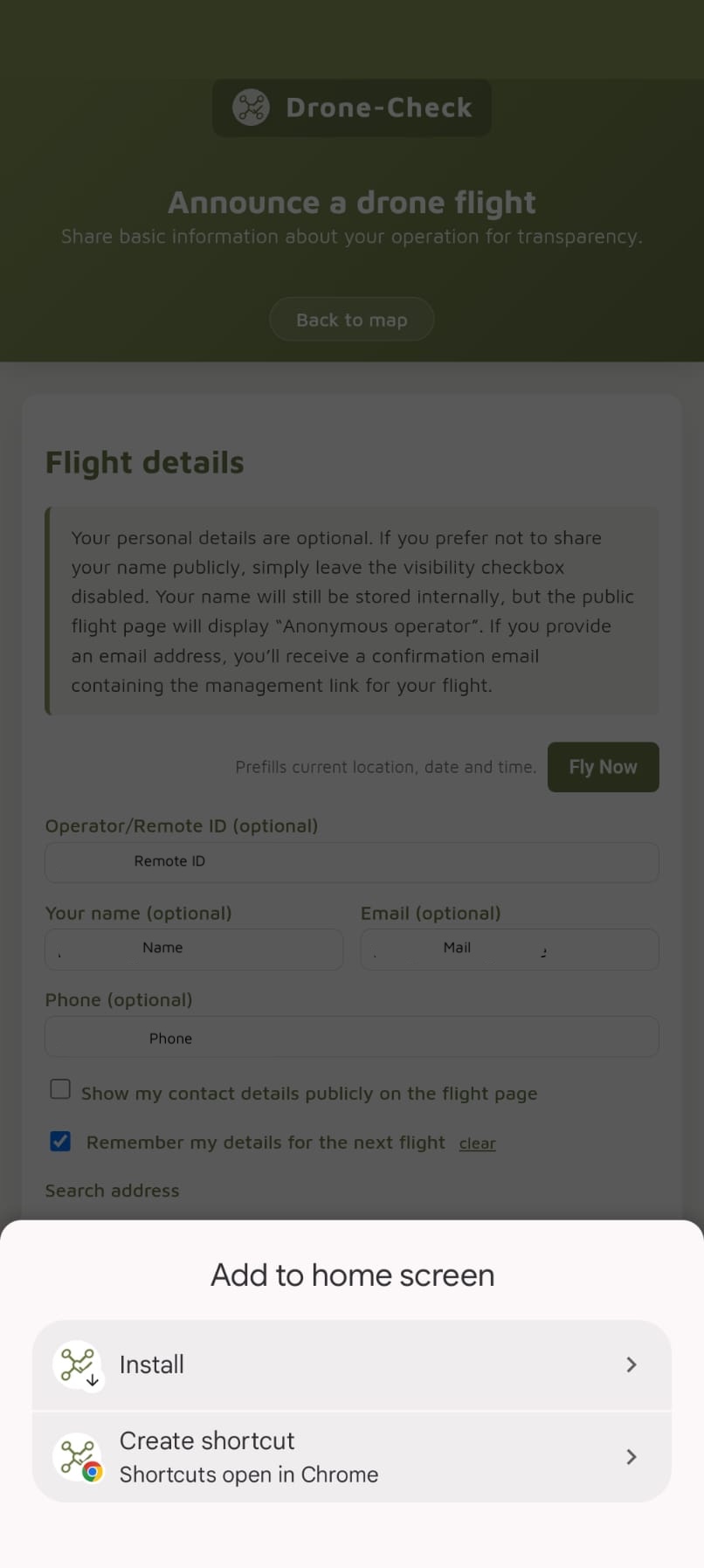
Android: Open the page in Chrome → Install App.
Web App installation
Feedback
Send feedback or issues to:
info@drone-check.eu